


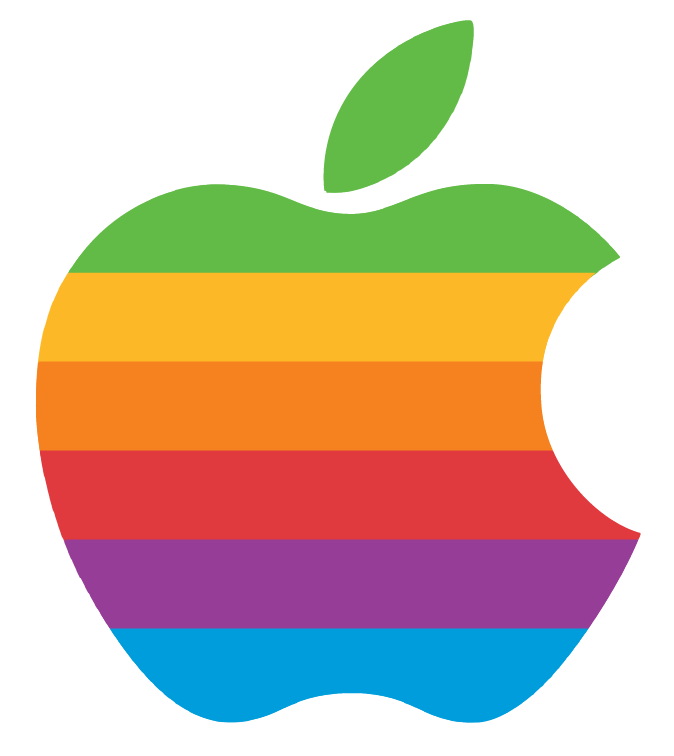
In Mobile App Design, the class created a rainbow colored Apple logo in Adobe Illustrator. First, we outlined the original apple image with the pen tool. Next, divided the outlined apple with a layer of rectangles to divide the separate colored sections. Then, we used the pathfinder intersect tool to connect the sections with the apple outline. To color each section, we used the eyedropper tool to copy the colors from the original phone onto our own created apple logo for a precise color plate. Finally, we hid all the guideline, exported the logo into a transparent image and then placed the finished design onto a webpage.
Objective: Create a website that implements the Apple.ai icon and a detailed description of the procedure.
Problem: The detailed description of the Apple Icon process required more thought than the design of the webpage.
Solution: Retraced the steps taken to complete the Apple.ai icon while including the how to use the pathfinder tool.
Copyright © 2019 Connie Tai