This is my final app logo. I decided to use the color brown since I associate it with being natural and it can symbolize the earth. The color is also muted, which helps draw attention to the name of the app. When I think about the earth, I think about how it provides us with alot of resources and we make use of whatever is available. Skin Recipe is an app that provides resources that can help you figure out what you should incorporate in your skincare routine and discover what doesn't work with your skin. I believe establishing a good skin routine is like taking care of plants, since each plant is different and some would need more care than others.
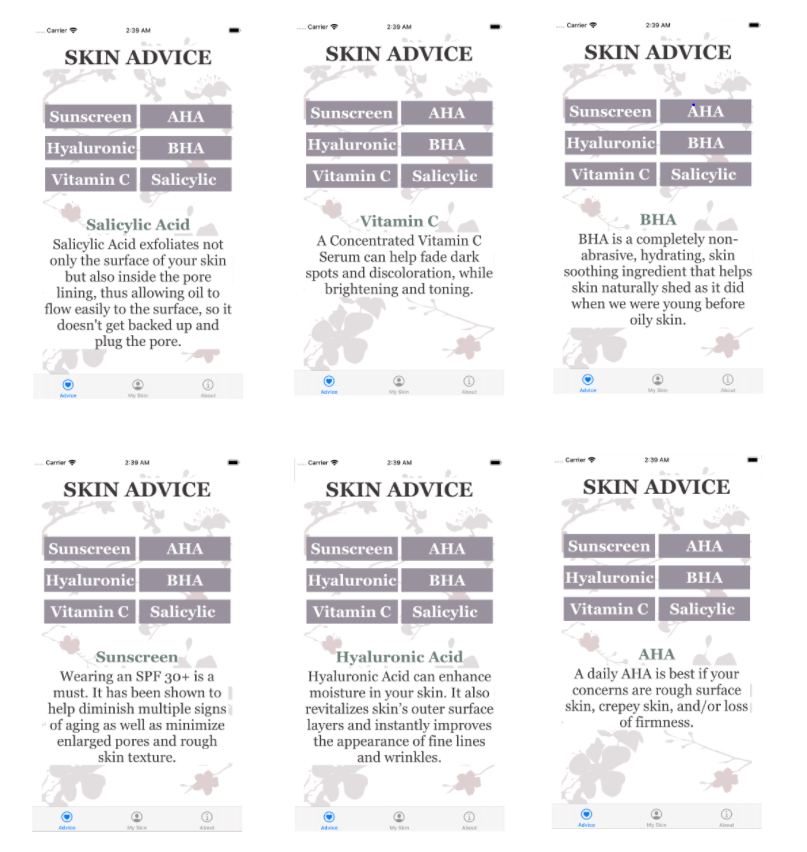
This is the Skin Advice screen that will display different products that most people should know about before using it and for users to determine if these products or chemicals would work well with their skin. The buttons does not take the user to a different view controller, but stays on the same one.
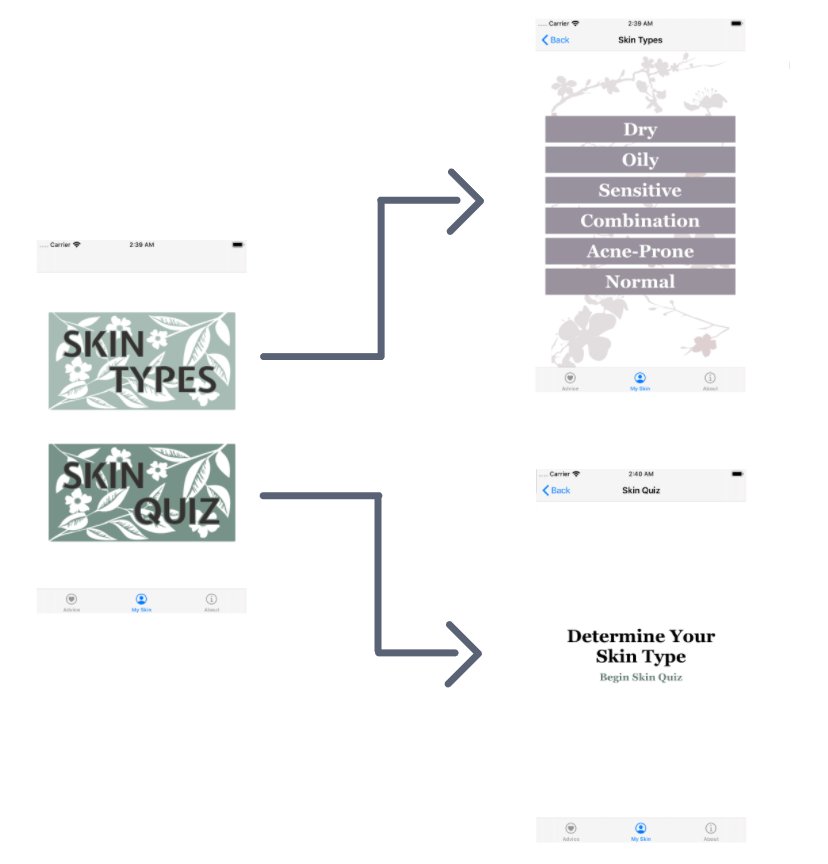
There are two buttons on the view controller that is displayed on the left. One button leads to another screen displaying skin types and the other leads to a quiz determining what skin type you have.
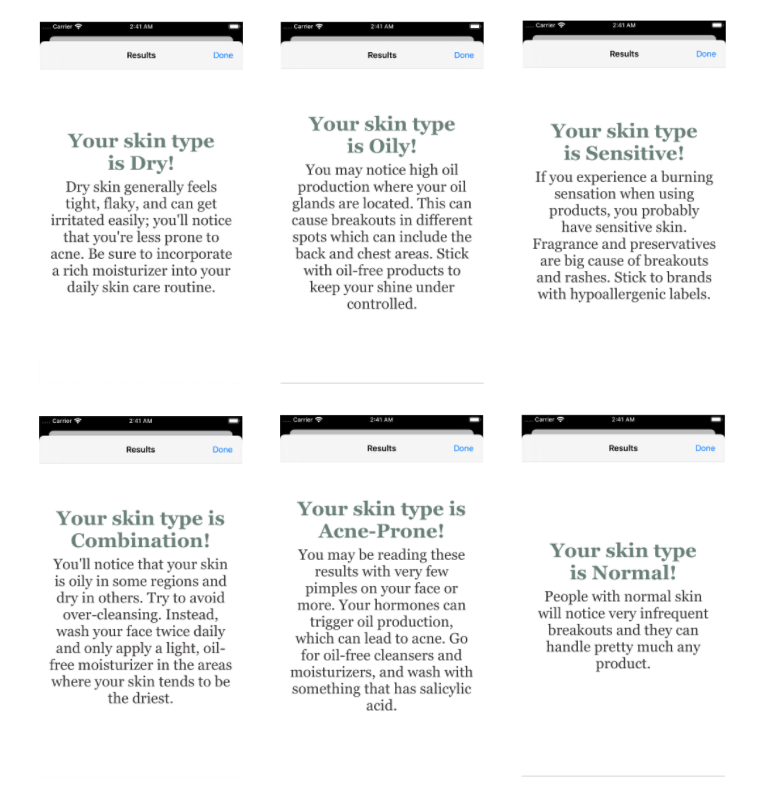
These are six separate view controllers and it is connected to the buttons that displays the different skin types, which include buttons labeled as Dry, Oily, Sensitive, Combination, Acne-Prone, and Normal. The information and image will display on the user's screen depends on the button that they press.
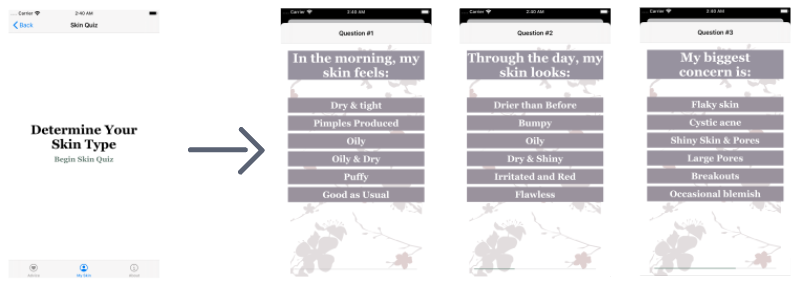
After the user press "Begin Quiz", it will take them to another view controller that displays the questions. Pressing on a button will take the user onto the next question. The questions and answers are on one view controller.
Depending on the answers the user chose, there are six possible results. This view controller displays the results that you got, describes your skin, and gives you advice on what you should incorporate in your skin care routine.
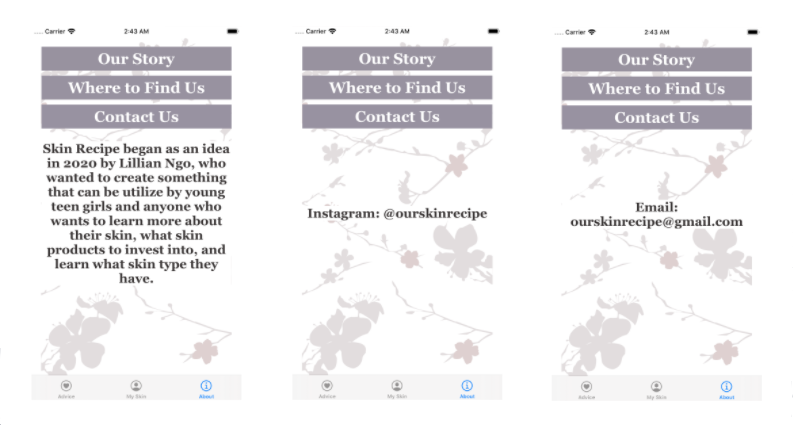
If a user is curious of learning more about the creator or the app, they can press the button to get more information of what social media platforms we have or where to contact us.
Objective: To create an app that educate young teen girls or anyone who wants to learn more about their skin and learn how they can take care of their skin.
Problem: Users can't turn their screen horizontally.
Solution: Add Scroll Views and test run on turning the iPhone simulator sideways.